Image Gallery Section
Overview
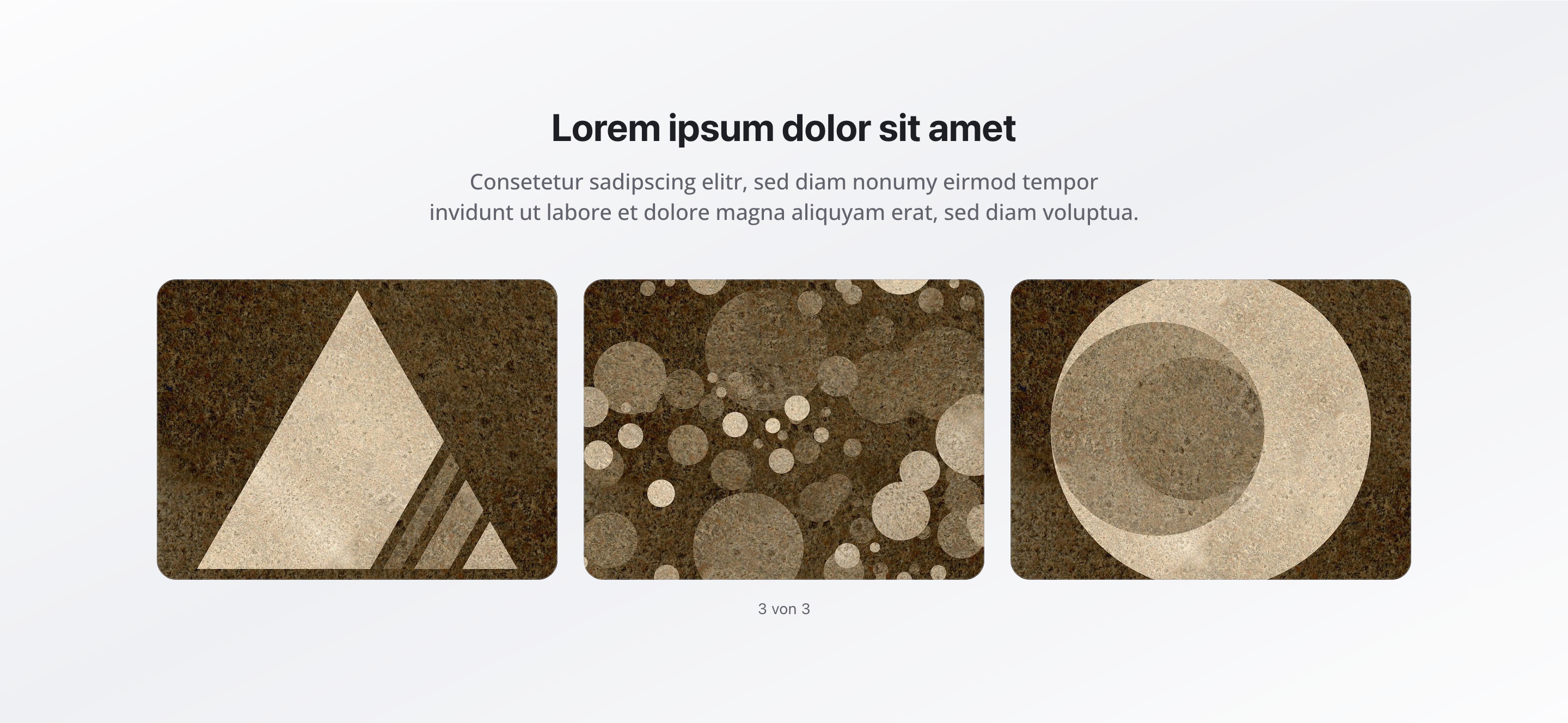
Section titled “Overview”The Image Gallery Section displays a collection of images in a clean, structured gallery layout.
It is ideal for presenting visual content such as products, events, portfolios, or reference imagery in an organized and responsive format.
Fields
Section titled “Fields”- Type: String
- Required: Yes
- Purpose: Main title of the gallery section
- Examples:
Product Gallery,Event Photos
Subtitle
Section titled “Subtitle”- Type: String
- Required: No
- Purpose: Supporting subtitle displayed below the title
- Example:
Explore our latest collection
Images
Section titled “Images”- Type: Array of images
- Required: No
- Minimum: 1
- Maximum: 20
- Purpose: Images displayed within the gallery
Image Fields
Section titled “Image Fields”Each image includes:
-
Alt Text
- Type: String
- Required: Yes
- Purpose: Accessibility and SEO description
-
Caption
- Type: String
- Required: No
- Purpose: Optional descriptive text shown below the image
Background Color
Section titled “Background Color”- Type: Reference (
backgroundColor) - Required: No
- Purpose: Sets the background color of the gallery section
Usage Example
Section titled “Usage Example”Basic Configuration
Section titled “Basic Configuration”- Title:
Product Gallery - Subtitle:
Explore our latest collection - Images:
- Array of product images
- Each image includes alt text and optional captions
Best Practices
Section titled “Best Practices”- Alt text: Always provide meaningful alt text for accessibility and SEO.
- Image quality: Use high-quality images with consistent lighting and style.
- Image count: 6–12 images provide the best balance between engagement and usability.
- Captions: Use captions to add context when needed.
- Consistency: Maintain consistent aspect ratios where possible.
- Organization: Group related images logically to improve visual flow.
Key Features
Section titled “Key Features”- Organized layout: Clean, grid-based image presentation
- Accessibility-ready: Required alt text support
- Captions: Optional captions for added context
- Flexible size: Supports 1–20 images
- Responsive design: Adapts smoothly across screen sizes
Where It’s Used
Section titled “Where It’s Used”- Pages (
page)
Product pages, event pages, portfolio pages, and general content pages
Technical Notes
Section titled “Technical Notes”- Images are rendered in a responsive grid layout
- Alt text is mandatory for accessibility compliance
- Captions appear below images when provided
- Background color references the global
backgroundColorschema - Images are optimized for web delivery