Social Media Links Section
Overview
Section titled “Overview”The Social Media Links Section displays social media links with platform-specific icons. With support for numerous platforms, custom icons, flexible alignment, and size options, it’s perfect for connecting visitors to your social media presence.
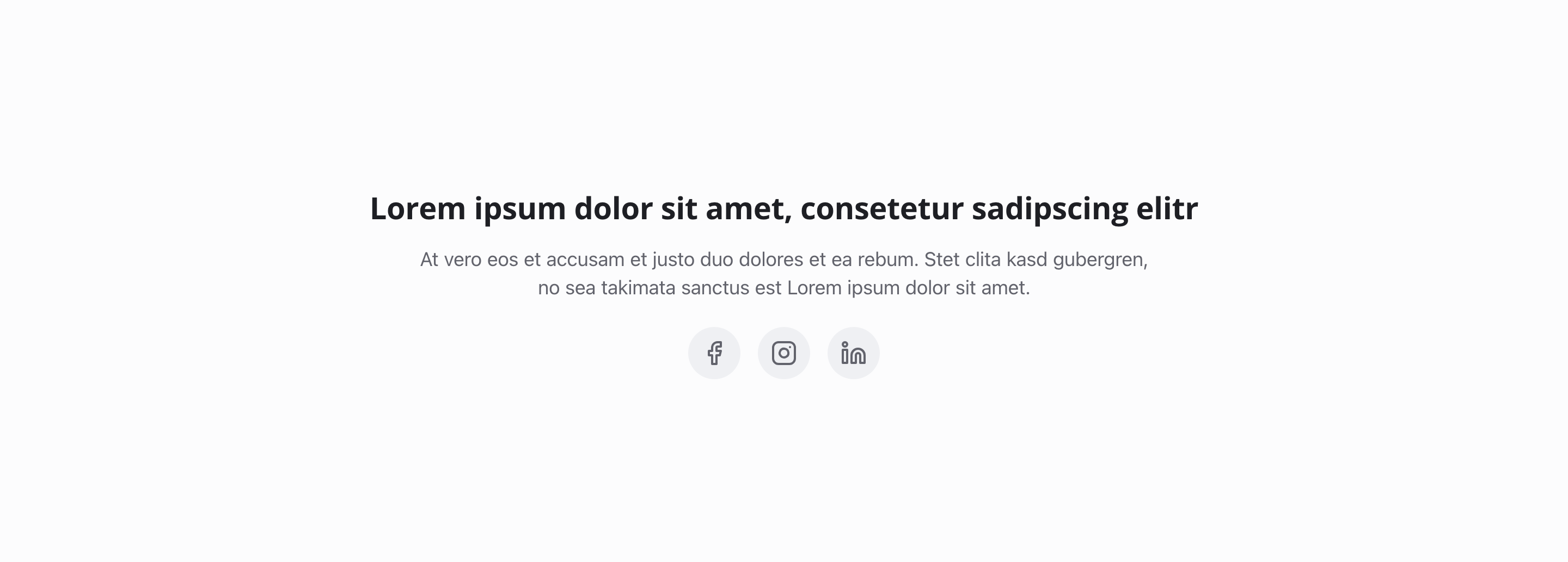
Fields
Section titled “Fields”Section Headline
Section titled “Section Headline”- Type: String
- Required: No
- Purpose: Main heading for the entire social media links section
- Example:
Follow UsorConnect With Us
Section Description
Section titled “Section Description”- Type: Text
- Required: No
- Purpose: Description for the social media links section
- Example:
Stay up to date
Social Links
Section titled “Social Links”- Type: Array of social link objects
- Required: No
- Purpose: List of social media links
Each social link contains:
Platform
Section titled “Platform”- Type: String
- Required: Yes
- Purpose: Social media platform
- Default Value:
facebook - Options:
- Twitter/X
- YouTube
- TikTok
- Snapchat
- Telegram
- GitHub
- Custom
- Type: String
- Required: Yes
- Purpose: Complete URL to the social media profile or page
- Example:
https://facebook.com/example-company
- Type: String
- Required: No
- Purpose: Optional custom label (for screen readers and tooltips)
- Example:
Follow us on Facebook
Custom Icon
Section titled “Custom Icon”- Type: String
- Required: No
- Purpose: Name of Lucide icon from https://lucide.dev/icons
- Note: Only visible when Platform is set to “Custom”
Alignment
Section titled “Alignment”- Type: String
- Required: No
- Purpose: Horizontal alignment of social links
- Default Value:
center - Options:
- Left (
left) - Center (
center) - Right (
right)
- Left (
Icon Size
Section titled “Icon Size”- Type: String
- Required: No
- Purpose: Size of social media icons
- Default Value:
medium - Options:
- Small (
small) - Medium (
medium) - Large (
large)
- Small (
Usage Example
Section titled “Usage Example”Typical Configuration
Section titled “Typical Configuration”- Section Headline:
Follow Us - Section Description:
Stay up to date - Social Links:
- Facebook
- URL:
https://facebook.com/example-company - Label:
Follow us on Facebook
- URL:
- Instagram
- URL:
https://instagram.com/example_company - Label:
Follow us on Instagram
- URL:
- YouTube
- URL:
https://youtube.com/@example-company - Label:
Subscribe to our channel
- URL:
- Facebook
- Alignment:
center - Icon Size:
medium
Best Practices
Section titled “Best Practices”- Relevance: Only link to active social media profiles
- Consistency: Use consistent icon sizes throughout
- Alignment: Center alignment works well for most layouts
- Link count: 3-6 links are optimal for user experience. Too few doesn’t justify a section; too many becomes cluttered
- Labels: Use labels for better accessibility and clarity
- Platform selection: Choose platforms that match your audience and content strategy
Key Features
Section titled “Key Features”- Multiple platforms: Support for numerous social media platforms
- Custom icons: Option for custom icons when needed
- Flexible alignment: Left, center, or right alignment options
- Size options: Small, medium, or large icon sizes
- Accessibility: Labels support screen readers and tooltips
Where It’s Used
Section titled “Where It’s Used”- Pages (
page)
General content pages, especially footer areas and contact pages
Technical Notes
Section titled “Technical Notes”- Icons are automatically selected based on platform
- Custom icons use Lucide icon library when platform is set to “Custom”
- Icon sizes are responsive and adapt to screen size
- Minimum 1 link and maximum 20 links are allowed per section