Add Content Items within Components
Many components (such as Team, Gallery, or List sections) can contain multiple items. Here’s how to add and publish content items within components in Sanity Studio.
-
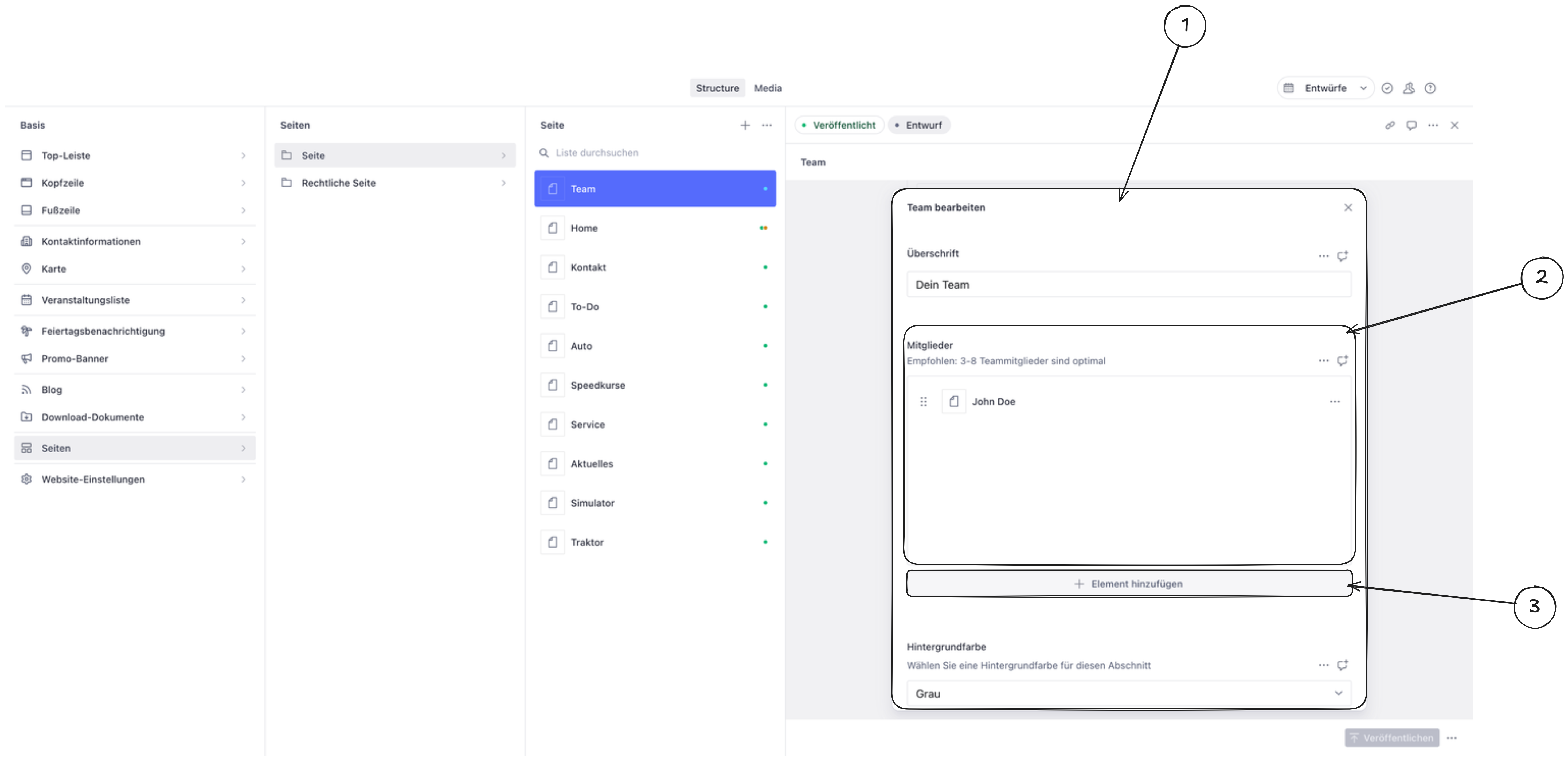
Click on the component you want to edit. This opens the component editor.
-
Find the content area inside the component (usually labeled as “Items,” “Members,” “Images,” or similar).
-
Click “Add item” at the bottom of the list.
-
Fill in the required fields such as text, images, links, or other settings.
-
Save and publish. The new item is saved automatically as a draft. Click Publish to make it visible on your website.