Delete Content
If you no longer need a page, component, or item, you can remove it permanently.
-
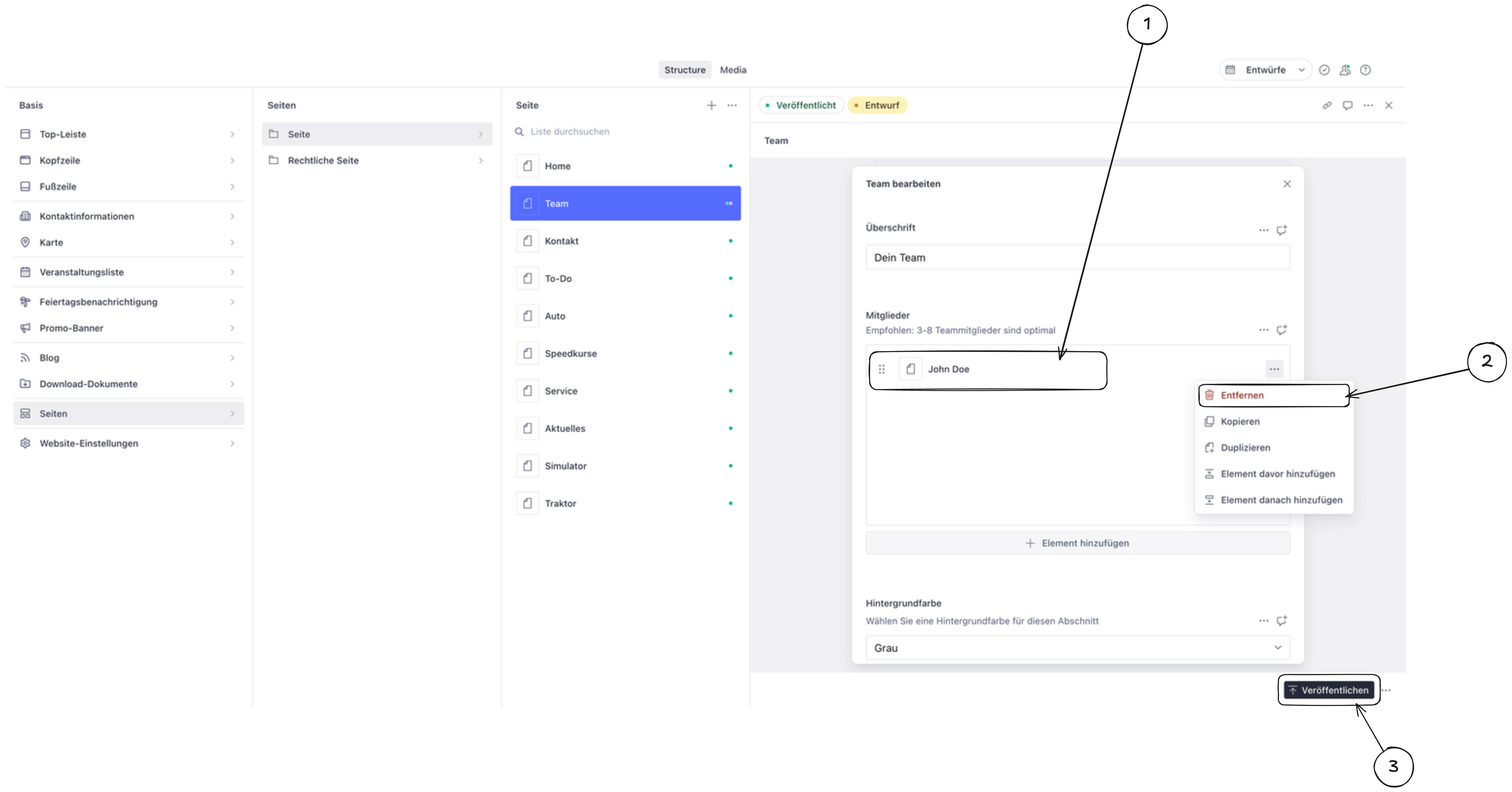
Open the content item you want to delete (navigate to it using the left sidebar).
-
Click the “Delete” button (usually found at the bottom of the editor or in a menu with three dots).
-
Publish the changes to remove the content from your live website.