Rich Text Section
This content is for v1.0. Switch to the latest version for up-to-date documentation.
Overview
Section titled “Overview”The Rich Text Section provides a full-featured rich text editor for formatted content. With formatting options, text alignment, and image support, it’s perfect for creating detailed content like articles, blog posts, or comprehensive information pages.
Fields
Section titled “Fields”Active
Section titled “Active”- Type: Boolean
- Required: No (Default: active)
- Purpose: Controls whether the rich text section is displayed on the website.
Disable this field if the content should be prepared but not yet visible.
Content
Section titled “Content”- Type: Array
- Required: No
- Purpose: Array of block elements and media
Supported Block Types
Section titled “Supported Block Types”Text Blocks
Section titled “Text Blocks”- Type: Block
- Purpose: Standard text blocks with formatting options
- Available Formatting:
- Strong (
strong) – Bold text - Emphasis (
em) – Italic text - Text Alignment:
- Left – Left-aligned
- Center – Center-aligned
- Right – Right-aligned
- Strong (
Images
Section titled “Images”- Type: Image
- Purpose: Images embedded within the content
- Options: Hotspot enabled
- Fields:
- Alternative Text (String, required) – Important for accessibility and SEO
- Caption (String, optional) – Optional image caption
- Caption Link (URL, optional) – Optional URL that the caption can link to (e.g. a source reference or further information)
Videos
Section titled “Videos”- Type: Object
- Purpose: Embed single videos within the text
- Fields:
- Video File (
videoFile, File, optional) – Uploaded video file (video/*) - Video URL (Alternative) (
videoUrl, URL, optional) – Direct video URL as an alternative to upload (e.g. CDN link) - Poster Image (
poster, Image, optional) – Preview image shown before playback (with hotspot support) - Caption (
caption, String, optional) – Optional description or title of the video - Caption Link (
captionLink, URL, optional) – Optional link for further information or source references
- Video File (
Image Slider
Section titled “Image Slider”- Type: Object
- Purpose: Embed an image slider within the rich text content
- Structure:
- imageSlider (
imageSlider, type:imageSliderSectionTwo) – Reference to the predefined image slider type with multiple slides
- imageSlider (
- Note: The actual slider settings (e.g. slides, images, captions) are managed in the linked
imageSliderSectionTwoschema.
Usage Example
Section titled “Usage Example”Typical Configuration
Section titled “Typical Configuration”- Content:
- Text Block:
Welcome to our company(Formatting: Strong, Center) - Image:
- Image: Modern office building
- Alt Text:
Modern office building with sustainable features - Caption:
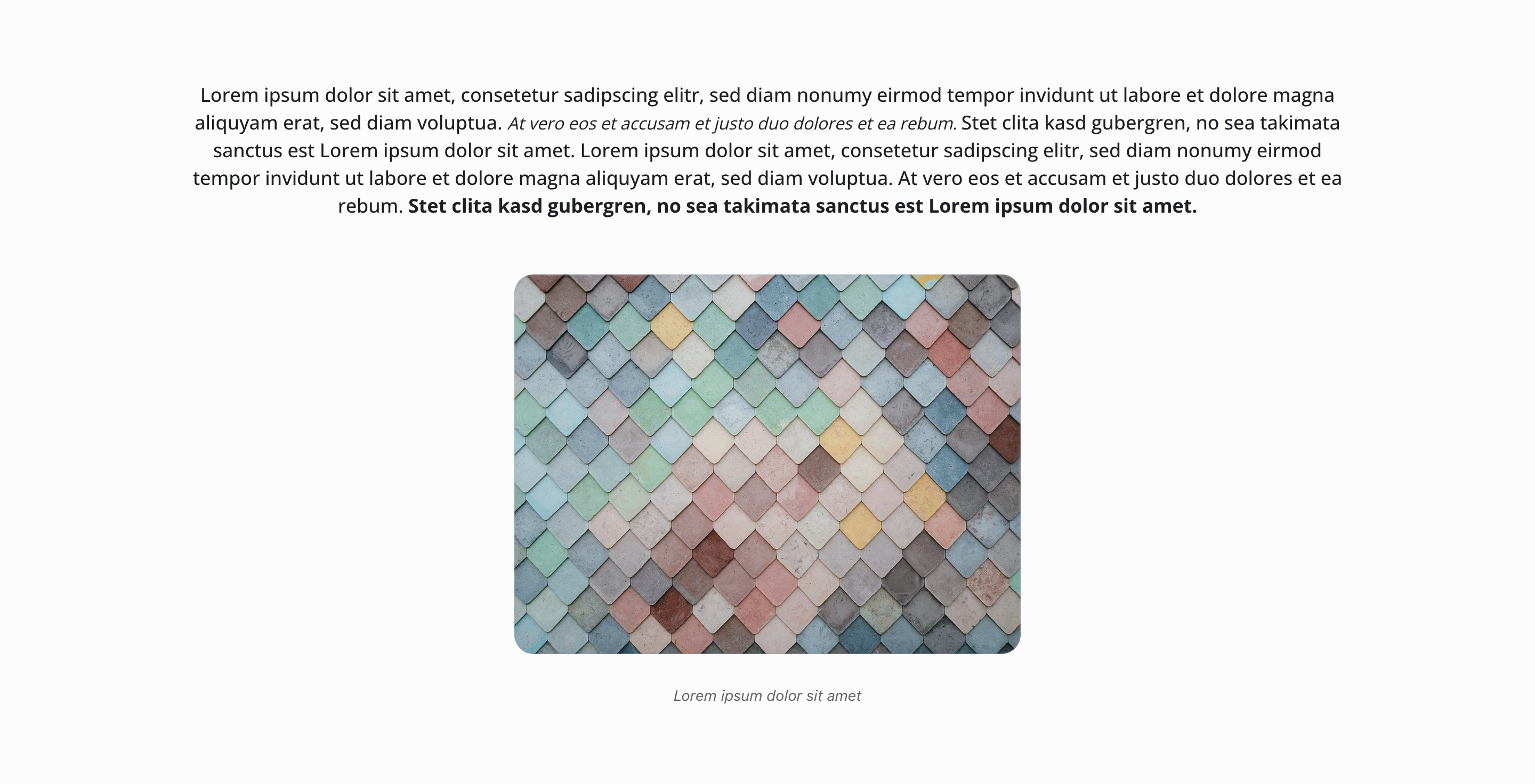
Our company offers modern services with sustainable practices
- Text Block:
We offer professional services for all your needs. Our experienced team members are here to help you achieve your goals.(Formatting: Left) - Text Block:
Our advantages:(Formatting: Strong) - Text Block:
- Modern solutions\n- Flexible scheduling\n- Experienced team\n- Proven track record(Formatting: Left)
- Text Block:
Best Practices
Section titled “Best Practices”- Structure: Use Strong formatting for headings within the text
- Images: Always fill in alt text for accessibility and SEO
- Text alignment: Use center alignment sparingly, mainly for headings
- Readability: Break long text blocks into multiple paragraphs
- Image captions: Use captions to provide additional context
- Formatting: Use consistent formatting for better readability
Key Features
Section titled “Key Features”- Flexible structure: Combination of text and images in any order
- Rich text editor: Full editor with formatting options
- Text alignment: Inline alignment as mark/decorator
- Image support: Images with hotspot, alt text, caption, and optional caption link
- Video support: Embed videos via file upload or external URL, including poster image and optional caption
- Image slider support: Integrate an image slider (
imageSliderSectionTwo) directly in the flowing text - Accessibility: Alt text for images is important for screen readers
- Full formatting: Support for bold, italic, and alignment options
Where It’s Used
Section titled “Where It’s Used”- Pages (
page)
General content pages - Articles (
article)
As main content field - Legal Pages (
legalPage)
As part of content array - Authors (
author)
For biographies
Technical Notes
Section titled “Technical Notes”- Content uses block-based structure for flexible composition
- Images support hotspot editing for better cropping
- Videos can be embedded either as a file (
file) or via direct URL (url) - Video posters are managed as an
imagefield with hotspot support - Text alignment is applied as inline decorators
- Alt text is required for accessibility compliance
- The section supports full rich text formatting capabilities
Differences from Other Content Blocks
Section titled “Differences from Other Content Blocks”| Feature | Rich Text Section | Text With Media Section | Accordion Section |
|---|---|---|---|
| Headline Field | No | Yes | Yes |
| Description Field | No | Yes | Yes |
| Background Color | No | Yes | Yes |
| Content Structure | Flexible array | Structured items (1-10) | Structured items |
| Text Editor | Yes (full) | Yes (per item) | Yes (per item) |
| Formatting | Yes (Strong, Em) | Yes (via richTextSection) | Yes (via richTextSection) |
| Text Alignment | Yes (Left/Center/Right) | No | No |
| Images | Yes (inline) | Yes (structured) | No |
| Media Types | Images/Video/Image Slider | Image/Gallery/Video/Slider | No |
| Layout Options | No | Yes (3 types) | No |
| Icons | No | No | Yes (Lucide icons) |
| Expandable Items | No | No | Yes |
| Usage | Flowing text | Text-media combinations | Expandable Q&A areas |