Video Section
This content is for v1.0. Switch to the latest version for up-to-date documentation.
Overview
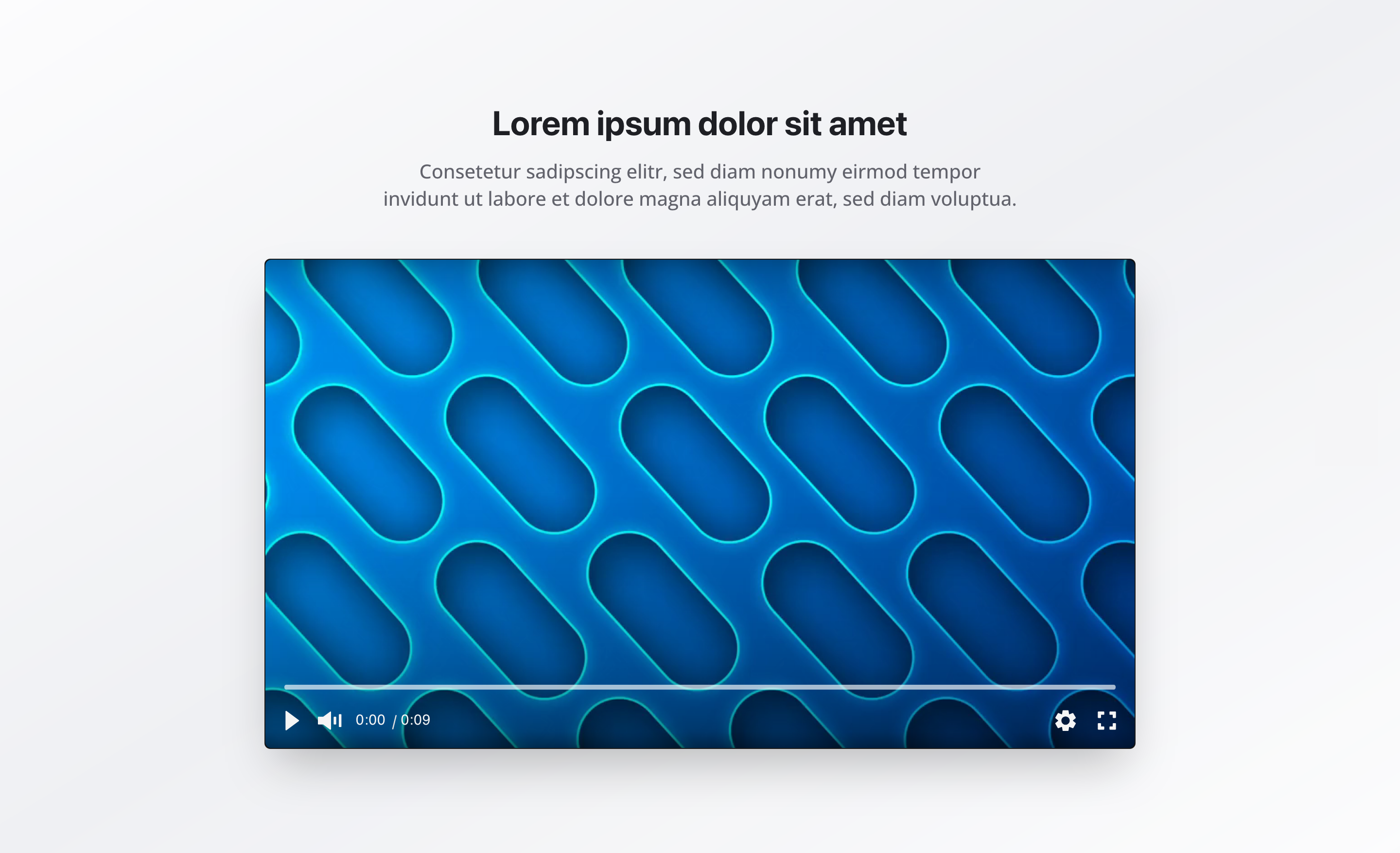
Section titled “Overview”The Video Section allows you to embed video content with an optional headline, description, and poster image.
It’s ideal for explaining concepts, showcasing processes, sharing testimonials, or adding engaging multimedia content to your pages.
Fields
Section titled “Fields”Active
Section titled “Active”- Type: Boolean
- Required: No
- Default Value:
true - Purpose: Controls whether the video section is displayed on the website
- Note: Turn this off when you want the section hidden temporarily without removing its configuration
Headline
Section titled “Headline”- Type: String
- Required: Yes
- Max length: 120 characters
- Purpose: Main heading for the video section
- Examples:
How Our Service Works,Our Process
Description
Section titled “Description”- Type: Text (3 rows)
- Required: No
- Purpose: Supporting text describing the video content
- Example:
See how our service works in practice
Video File
Section titled “Video File”- Type: File
- Required: No
- Accepted formats:
video/*(MP4, WebM, etc.) - Purpose: Uploaded video file
Video URL (Alternative)
Section titled “Video URL (Alternative)”- Type: URL
- Required: No
- Purpose: Alternative to file upload; embeds a video via direct URL
- Example:
URL to a video hosting service
Either Video File or Video URL should be provided.
Poster Image
Section titled “Poster Image”- Type: Image
- Required: No
- Options: Hotspot enabled
- Purpose: Thumbnail image shown before the video plays
- Best practice: Use a representative image that clearly reflects the video content
Caption
Section titled “Caption”- Type: String
- Required: No
- Purpose: Optional caption text displayed with the video
- Example:
Customer testimonial from our latest event
Caption Link
Section titled “Caption Link”- Type: URL
- Required: No
- Purpose: Optional URL to link the caption to (e.g., a reference or detail page)
- Example:
Link to a detailed case study or external reference
Background Color
Section titled “Background Color”- Type: Reference (
backgroundColor) - Required: No
- Purpose: Sets the background color of the video section
Usage Example
Section titled “Usage Example”Typical Configuration
Section titled “Typical Configuration”- Headline:
How Our Service Works - Description:
See how our service works in practice - Video:
- Uploaded MP4 file or
- Direct video URL
- Poster Image: Thumbnail representing the service or process
Best Practices
Section titled “Best Practices”- Video format: Use MP4 for maximum browser compatibility.
- Poster image: Always provide a meaningful thumbnail.
- Optimization: Compress videos for fast loading without sacrificing quality.
- Description: Add context so users know what to expect.
- Headline: Keep it clear and descriptive (max 120 characters).
- Accessibility: Provide captions or transcripts whenever possible.
Key Features
Section titled “Key Features”- Flexible sources: Supports uploaded videos and external URLs
- Poster image: Improves visual presentation and engagement
- Hotspot support: Better control over poster image cropping
- Responsive: Video scales smoothly across screen sizes
- Semantic markup: Uses HTML5 video elements
Where It’s Used
Section titled “Where It’s Used”- Pages (
page)
Service pages, about pages, and general content pages
Technical Notes
Section titled “Technical Notes”- Videos can be uploaded directly or embedded via URL
- Poster image appears before playback begins
- Background color references the global
backgroundColorschema - Uses semantic HTML5 video elements for accessibility
- Videos are optimized for web playback