Add Content Items within Components
This content is for v1.0. Switch to the latest version for up-to-date documentation.
Many components (such as Team, Gallery, or List sections) can contain multiple items. Here’s how to add and publish content items within components in Sanity Studio.
-
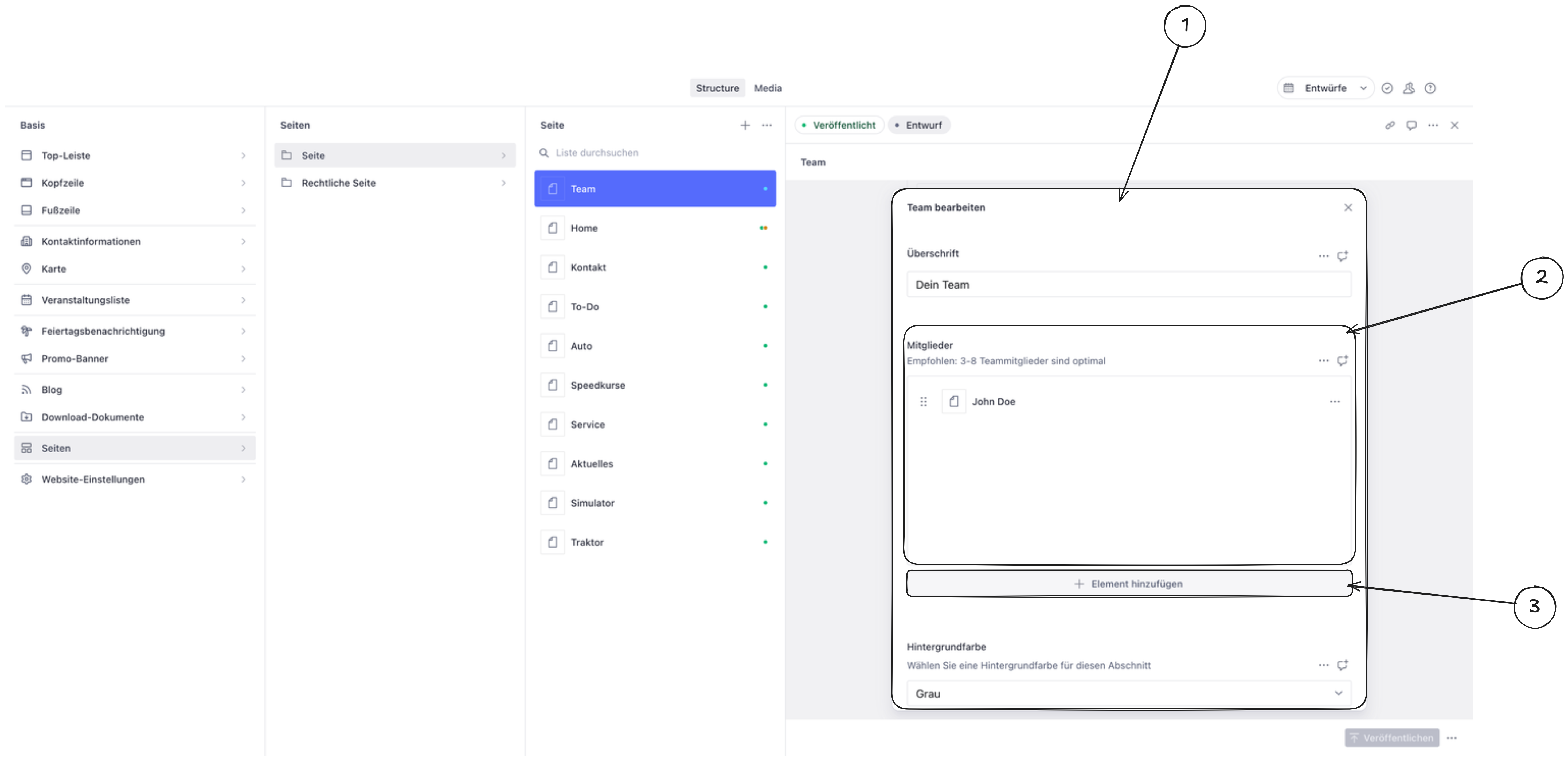
Click on the component you want to edit. This opens the component editor.
-
Find the content area inside the component (usually labeled as “Items,” “Members,” “Images,” or similar).
-
Click “Add item” at the bottom of the list.
-
Fill in the required fields such as text, images, links, or other settings.
-
Save and publish. The new item is saved automatically as a draft. Click Publish to make it visible on your website.