Quick Start
This content is for v1.0. Switch to the latest version for up-to-date documentation.
This guide will show you how to manage and update the content of your website using Sanity Studio. No technical knowledge required.
-
Open Sanity Studio in your browser
Section titled “Open Sanity Studio in your browser”- Open the link to your Sanity Studio in your browser
www.example.com/admin - Log in using the credentials provided to you
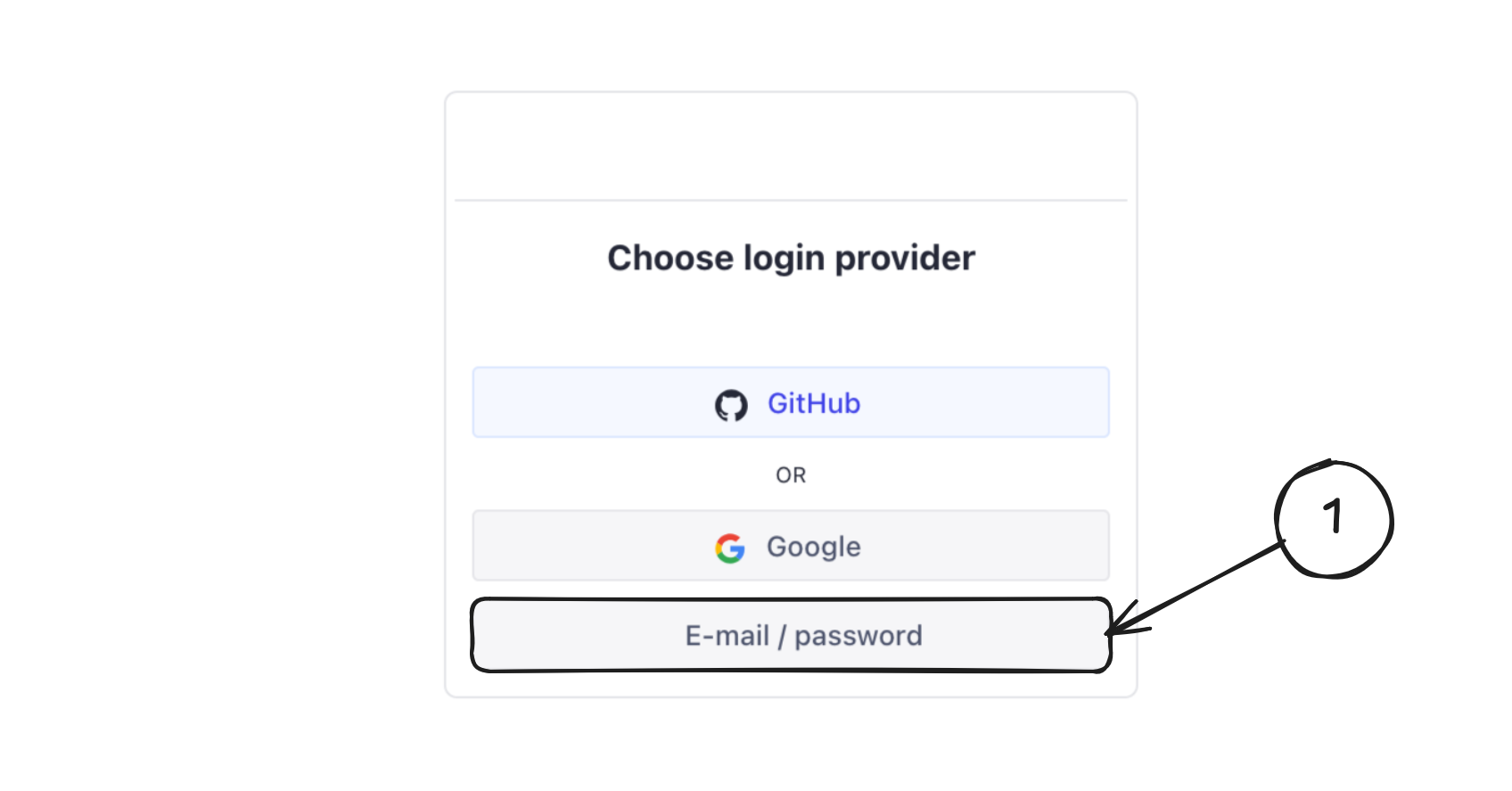
Sanity Studio login page
After logging in, you will see the Sanity Studio dashboard with all available content types.
- Open the link to your Sanity Studio in your browser
-
Navigate the dashboard
Section titled “Navigate the dashboard”In the left sidebar, you will find different content sections, such as:
- Top Header
- Header
- Footer
- Contact information
- Map Section
- Events list
- Holiday notification
- Promo banner
- Blog
- Download Documents
- Pages
- Website settings
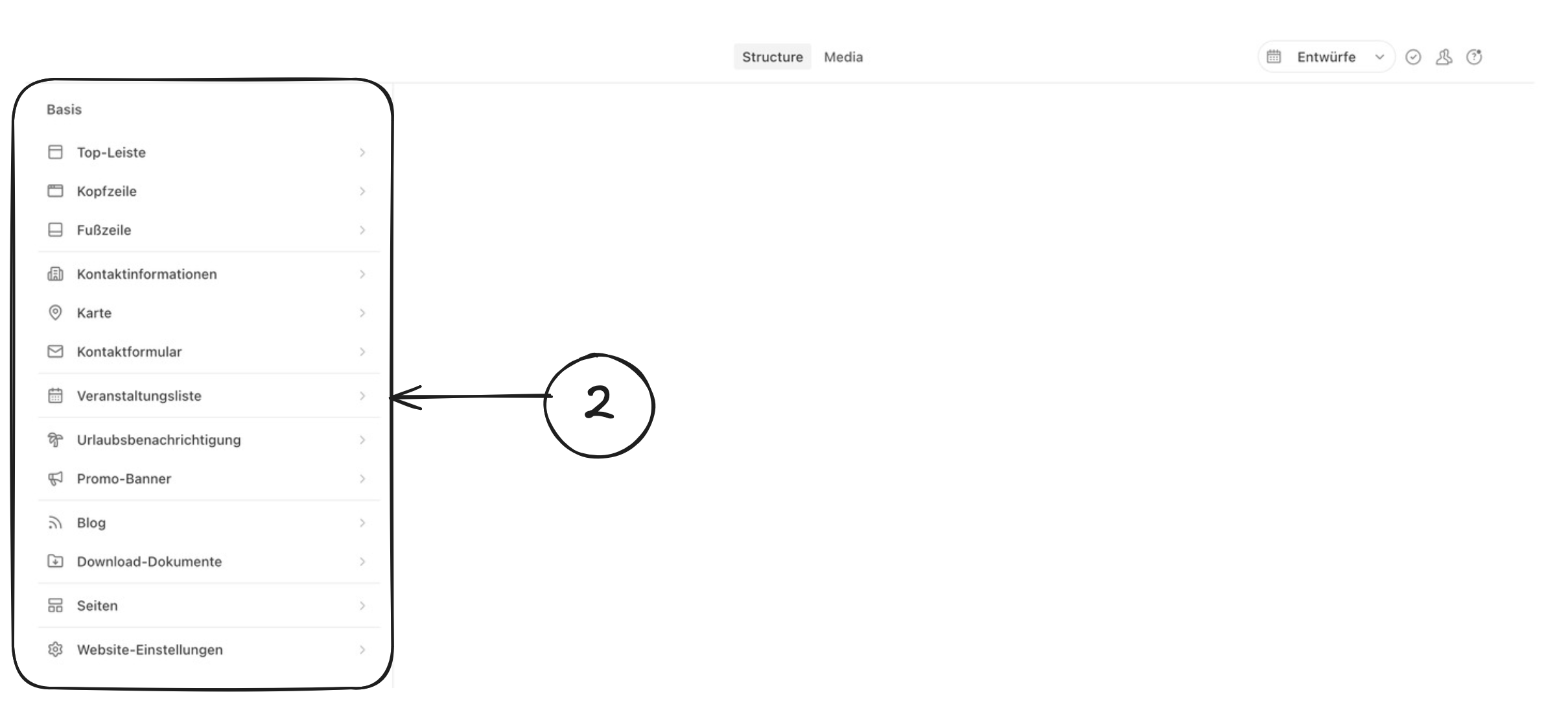
Sanity Studio dashboard
Click on any section to view and edit its content.